SASSA Online Application: How to Apply for a Grant Online or In Person
There are two different ways to apply for a SASSA grant online, and they depend on which grant you are applying for. The SRD R370 grant is applied for online only, through srd.sassa.gov.za. Permanent grants — such as the Older Persons, Disability, and Child Support grants — are applied for online through the SASSA Services Portal at services.sassa.gov.za, or in person at a SASSA office.
The Two Application Routes: Which One Applies to You
SASSA Application Guide
Step-by-step guide to applying for a SASSA grant.
Choosing the wrong portal is the most common mistake people make when applying for a SASSA grant online. The table below shows which route to use.
| Grant | Where to apply | In-person option? |
|---|---|---|
| SRD R370 grant | Online only, at srd.sassa.gov.za | No — there is no paper SRD form and no office SRD application |
| Permanent grants (for example Older Persons, Disability, Child Support, Foster Child, Care Dependency, Grant-in-Aid, War Veterans) | Online, at services.sassa.gov.za (SASSA Services Portal), or in person at a SASSA office | Yes — you can apply in person at a SASSA office |
The rest of this article explains the permanent-grant online application in detail, then the in-person option, then what happens after you submit. The SRD application steps are covered in full in the SRD R370 SASSA grant application guide — they are only summarised here so that the two routes are not confused.
SRD Grant: The Online-Only Route in Brief
The SRD R370 grant application is completed online only on srd.sassa.gov.za. You need your 13-digit South African ID number and a cellphone number you can access. The grant is R370 per month, for people aged 18 to 59, and it is assessed month by month. Applying is free, and you should never pay anyone to apply for you.
Do not try to apply for the SRD grant through the SASSA Services Portal, and do not go to a SASSA office to apply for the SRD grant — that route is for permanent grants. If you need the full step-by-step SRD process, including when reapplication is needed and when it is not, see the SRD R370 grant application guide.
Permanent Grants: How to Apply Online via the SASSA Services Portal
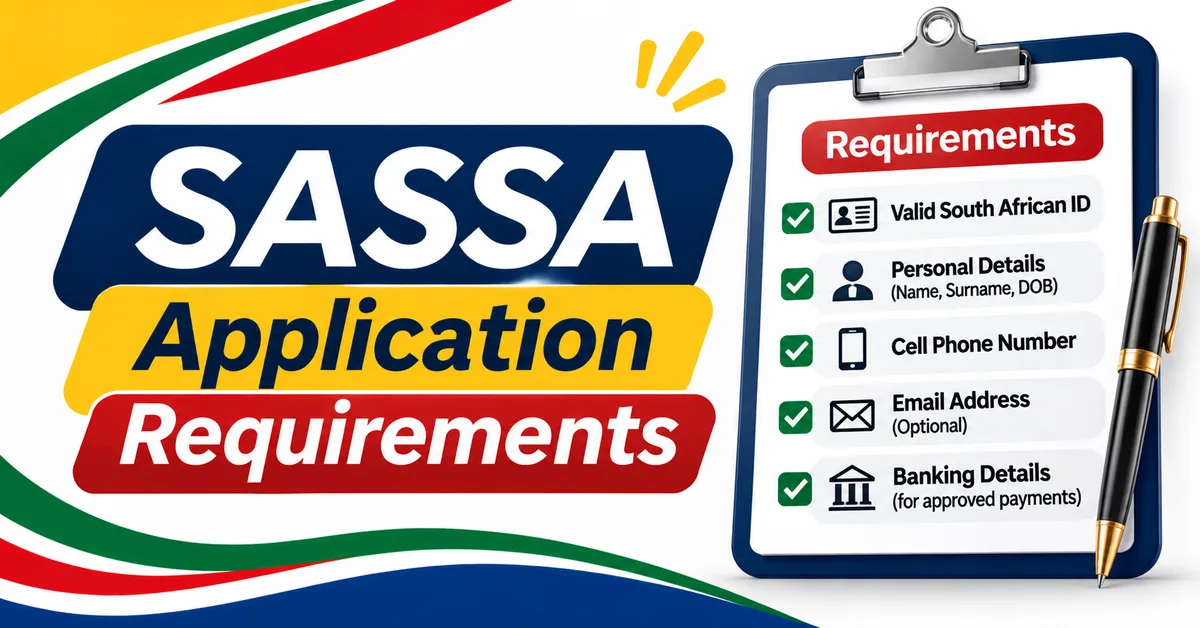
Permanent grants are applied for online through the SASSA Services Portal at services.sassa.gov.za. The steps below follow the process as described for that portal. Read each step before you start, and have your documents ready — the documents you need are listed in detail in the application requirements and documents guide.
Step 1: Register an account on the SASSA Services Portal
Go to services.sassa.gov.za and register an account. You will need your personal details to create the account, including your South African ID number and a cellphone number you can access. Keep your login details safe — you will need them to check your application later.
Step 2: Give POPIA consent and verify with an OTP
As part of registering, you will be asked to give consent under the Protection of Personal Information Act (POPIA) for SASSA to use and verify your personal information. You will also be asked to verify your cellphone number with a one-time password (OTP) sent to that number. Enter the OTP on the portal when asked. Never share your OTP with anyone else — SASSA will never ask you to send it to them by phone, SMS, or WhatsApp.
Step 3: Choose the grant you want to apply for
Once your account is set up, choose the grant you are applying for — for example, the Older Persons Grant, the Disability Grant, or the Child Support Grant. Each grant has its own eligibility rules, so make sure you choose the grant that matches your situation. The different grant types and who they are for are explained in the types of SASSA grants guide.
Step 4: Complete the screening questions
The portal will ask screening questions to check whether you may qualify for the grant you chose. Answer each question truthfully. The screening step helps to identify whether you should continue with that grant application, or whether a different grant may be more appropriate.
Step 5: Complete the application form
Fill in the application form on the portal. Give your personal details, contact details, and household information exactly as they appear on your official documents. Check your spelling and numbers before you continue — an error in your ID number, cellphone number, or banking details can delay your application.
Step 6: Complete the affidavit and consent forms
As part of the application, you may be asked to complete affidavit and consent forms. These are declarations about your circumstances, and they form part of your application. Read each form carefully before you sign or submit it, and make sure the information you give is true and complete.
[VERIFY: exactly which affidavit and consent forms are required for each permanent grant on the SASSA Services Portal, and whether any form must be signed in front of a commissioner of oaths. The forms required can differ by grant type — confirm the forms shown for youSASSA r grant on the portal.]
Step 7: Upload your certified documents
Upload certified copies of the documents the portal asks for, in PDF format. Certified means a copy that has been stamped and signed as a true copy of the original, usually by a commissioner of oaths, a police officer, or another authorised person. Do not upload photographs of uncertified documents if the portal asks for certified copies — that can delay your application.
The full list of documents for each grant is covered in the SASSA application requirements and documents guide. That guide should be read before you start your online application, so that you have every document ready in PDF format.
Step 8: Submit and keep your reference number
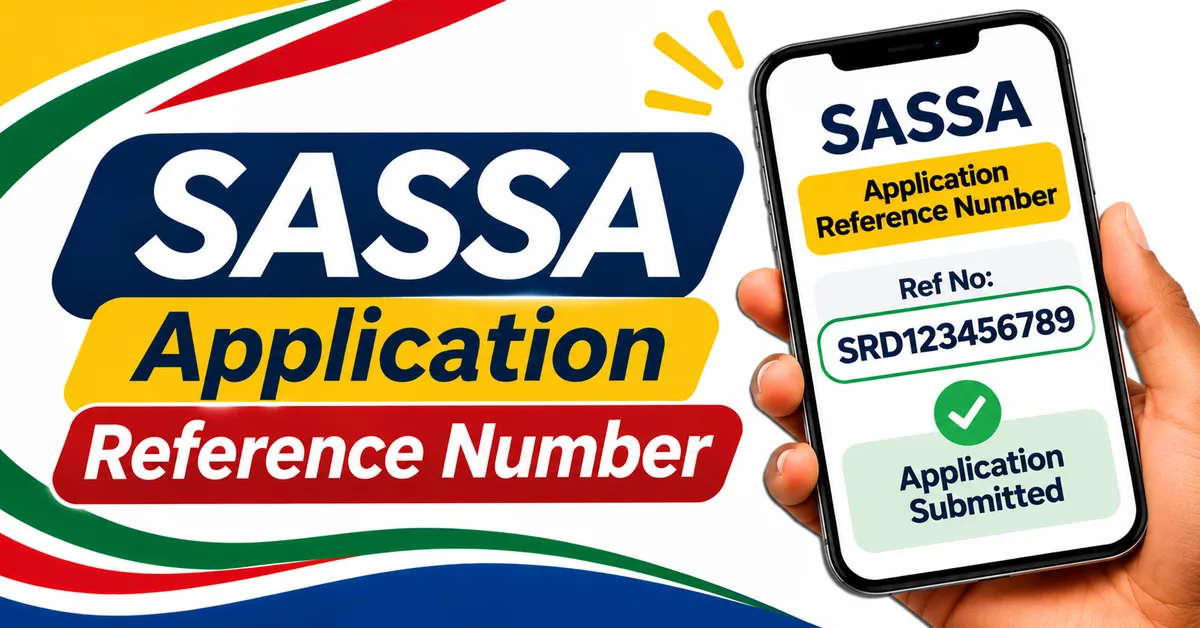
Review your whole application once more, then submit it. Keep the SASSA reference number the portal gives you, and keep a copy or screenshot of your confirmation. Your reference number is how you track your application — do not lose it.
How to Apply in Person at a SASSA Office
If you cannot apply online, or you prefer to apply in person, you can apply for a permanent grant at a SASSA office. This option is for permanent grants — the SRD grant is online only and cannot be applied for at an office.
Take your ID document and the documents for the grant you are applying for with you. At the office, an official will help you complete the application form. Ask questions if you do not understand any part of the form, and check the details before you sign it. Keep the reference number or receipt you are given, and ask how you can follow up on your application.
If you are applying for someone else, or on behalf of a child or a person who cannot apply themselves, ask at the office what additional documents or proof you need to bring. [VERIFY: the exact requirements for applying on behalf of another person, which can differ by grant type and circumstance — confirm at the office or on sassa.gov.za before you go.]
To find your nearest office, use the SASSA office locations guide. Office working hours and addresses are listed there.
What Happens After You Submit
After you submit a permanent grant application, SASSA checks your information and your documents. This verification can take time, and the exact time depends on the grant and on whether any further information is needed.
Permanent grant processing can take up to three months. [VERIFY: the exact current processing figure — "up to three months" is widely reported in government guidance, but the current figure should be confirmed on sassa.gov.za before it is relied on.]
While you wait:
- Keep your reference number safe. You will need it to track your application.
- Check your application status using your reference number and the tracking steps in the application reference number and tracking guide.
- Keep the cellphone number you gave SASSA active, so that SASSA can contact you if more information is needed.
- Do not submit a second application for the same grant while the first one is still being processed — it will not speed up the decision.
- If SASSA asks you for additional documents or information, respond as soon as you can, because a delay in responding can delay the decision.
If your application is approved, SASSA will tell you when your grant payments will start and how they will be paid. If it is declined, you will be told the reason, and you can ask about the next steps — including reconsideration or appeal where that applies to your grant.
[VERIFY: whether a specific permanent grant can be completed fully online without any office visit or assessment. Online steps differ by grant — for example, a disability grant may require a medical assessment — so do not assume that every grant can be completed entirely online.]
Common Mistakes to Avoid
- Using the wrong portal. SRD applications go to srd.sassa.gov.za. Permanent grant applications go to services.sassa.gov.za or to a SASSA office. The two portals are not interchangeable.
- Starting without your documents ready. For permanent grants, have your certified documents in PDF format before you start the online application.
- Uploading uncertified or unreadable documents. Make sure each PDF is clear, complete, and certified where the portal asks for certified copies.
- Typing your ID or banking details incorrectly. Check every digit before you submit. An error here is one of the most common causes of delay.
- Sharing your OTP or password. SASSA will never ask for your OTP, PIN, or password by phone, SMS, WhatsApp, or social media. Keep your Services Portal login details private.
- Paying someone to apply for you. Applying for a SASSA grant is free. Anyone who charges a fee to apply, or promises to speed up your application for payment, is not acting for SASSA.
- Applying on a fake website. The official portals are srd.sassa.gov.za and services.sassa.gov.za, and the official SASSA website is sassa.gov.za. Do not enter your ID number or personal details on any other site that claims to be SASSA.
- Submitting a second application while the first is pending. One application per grant is enough. A duplicate will not make the decision faster.
If you are unsure which route applies to you, or which grant to apply for, call SASSA on the toll-free line 0800 60 10 11 before you start. You can also contact SASSA on WhatsApp on 082 046 8553.