SASSA Change Phone Number
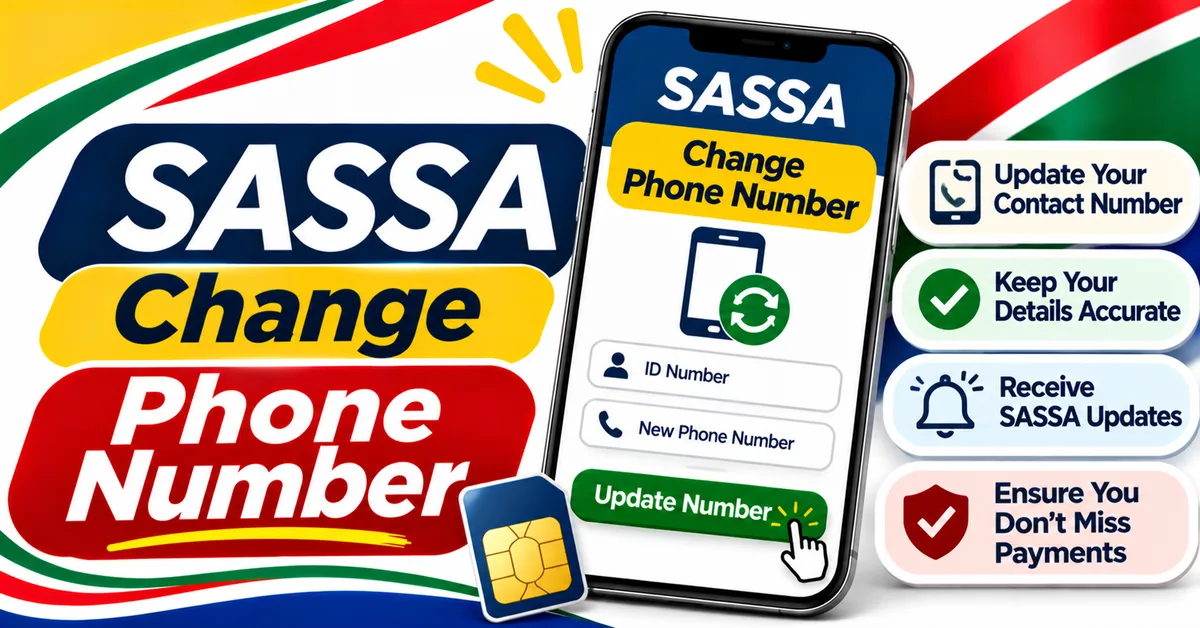
To change the cellphone number on your SASSA SRD grant, use the mobile number update option on the official SRD portal at srd.sassa.gov.za, following the identity checks shown on that page. The new number must be a South African number RICA-registered in your own name. If you cannot update it online, call SASSA on 0800 60 10 11.
Why Your Registered Number Matters
Phone Number Update Guide
Update the cellphone number on your SASSA application.
Your registered cellphone number is the key to your SRD grant. SASSA sends your OTPs there, and uses it to confirm your identity before SASSA status checks, banking changes and other important actions. Status messages also go to that number.
If the number on your application is wrong, lost, or no longer in your name, you can be locked out of your own grant — not because the grant was declined, but because SASSA cannot verify that it is you. Update the number as soon as it changes, rather than waiting until you need an OTP.
Do not use someone else's number. SASSA checks the number against your ID, and a number registered to another person will fail the check. The service is free — never pay anyone to change your number for you.
What You Need Before You Start
- Your 13-digit South African ID number.
- Your new cellphone number — active, able to receive SMS, and RICA-registered in your own name. Enter it in local format, starting with 0 (for example, 082, not +27).
- A phone or computer with a camera, if the portal asks for a face check. SASSA's grant booklet states that applicants who change their cellphone number must undergo facial recognition verification.
- Your SRD application reference number, if the page you use asks for it. You can find it on your status check result. Some routes ask for it; others verify you by ID number and a face check instead, so have it ready either way.
- Access to the new number to receive the OTP. The OTP is sent to the new number, not the old one, on the routes described below.
[VERIFY] The exact identity checks shown on the portal can change, and unofficial guides describe two different routes (one asking for the application reference number, one using a face check without it). Follow the steps shown on the official page itself. This article does not present either route as the only current route.
How to Change Your SASSA Phone Number Online
- Type srd.sassa.gov.za into your browser yourself. Do not follow a link from WhatsApp, SMS or social media.
- Find the mobile number update option on the SRD portal and open it.
- Enter your 13-digit ID number when asked, so SASSA can find your application.
- Follow the identity checks shown on the page. These may include entering your application reference number and/or a facial recognition check, where a link is sent to you by SMS to complete the face scan.
- Enter your new cellphone number in local format, starting with 0. Check every digit before you submit it.
- Enter the OTP sent by SMS to the new number when asked, and submit the change.
- Wait for confirmation. Do not submit the same change again straight away.
Only one contact update request per ID is accepted within 24 hours, according to the official portal page quoted in search results. If you make a mistake, correct it the next day rather than submitting repeated requests.
How Long Does the Change Take?
[VERIFY] No fixed turnaround time is stated here, because the sources consulted conflict: some guides report 24 to 48 hours for the first sign of the change, others report 7 to 14 working days for it to settle, and others report up to 14 working days or longer in busy periods. No official processing time was verified against sassa.gov.za or srd.sassa.gov.za during this draft, so no figure is presented as confirmed. Plan for a wait of days rather than minutes, and check your status on the portal before expecting OTPs on the new number.
If OTPs still go to the old number after a reasonable wait, or if no confirmation arrives, call SASSA on 0800 60 10 11 and ask them to check whether the update went through.
SASSA OTP Not Received After a Number Change
If the OTP does not arrive on the new number:
- Check that you entered the new number correctly, in local format starting with 0.
- Check that the SIM is active, has signal, and can receive SMS. Check your spam or blocked-messages folder.
- Check that the number is RICA-registered in your own name. A number in someone else's name will fail SASSA's checks.
- Wait a short while and try once more. Do not request code after code in quick succession.
- If the OTP still does not arrive, the update may not have completed, or the number on record may still be the old one. Call SASSA on 0800 60 10 11.
If you have lost your old phone and cannot receive an OTP on the old number, do not try to use another person's number. Update the number through the portal route above, or call SASSA, or visit a SASSA office with your ID document.
Changing the Number for Other SASSA Grants
The online route above is for the SRD R370 grant. Other SASSA grants work differently:
- Permanent grants (Older Persons, Disability, Child Support and others): the number is normally updated at a SASSA office with your ID document, or through the SASSA services portal at services.sassa.gov.za. [VERIFY] The exact services-portal route for a phone-number change was not verified against the live portal during this draft, so confirm the option on the portal itself or ask at an office.
- If you cannot use the portal at all: call the toll-free line on 0800 60 10 11 and explain that you need to update your number. Have your ID number ready.
- In person: visit your nearest SASSA office with your South African ID document and your new, active cellphone.
Whichever route you use, the new number must be in your own name. Take your ID with you to an office visit — SASSA cannot change your details without identifying you first.
What to Do If the Portal Will Not Let You Change the Number
- Face check fails: try again in good light, with your face clearly visible and no hat or sunglasses. If it keeps failing, call 0800 60 10 11 or visit an office.
- "Already submitted" or a limit message: only one update per 24 hours is accepted, so wait a day before trying again.
- Page will not load: try again later or on a different browser. The portal is busiest around payment dates.
- Number rejected: check that the SIM is RICA-registered in your name. A number registered to someone else, or a number that is not active, will be rejected.
- Old number still receiving OTPs: the change may still be processing. Wait, check your status, and call SASSA if it has not changed after a reasonable time.
Stay Safe
- Only change your number on srd.sassa.gov.za (for SRD) or services.sassa.gov.za (for other grants). Type the address yourself.
- Never pay anyone to update your number. The service is free.
- Never share your OTP, ID number or banking PIN with anyone who contacts you first.
- Never give your number-change OTP to a person who phones you claiming to be from SASSA. SASSA will never ask you to read back an OTP.